
👋 Welcome to the enSights Knowledge Base
Welcome! This is the help centre for the enSights platform — the place to look when you want to know what a screen does, what a number means, or how to get a job done.
What enSights is
enSights is an asset-management platform for renewable energy portfolios. It brings monitoring, maintenance and business data for solar sites, battery storage and energy management systems into one place, so that the people who own, operate and service those assets are all working from the same picture.
In practice that means three kinds of work live side by side:
- Monitoring & control — what your fleet is doing right now, how each site is performing against expectation, and what needs attention.
- Operations — the work that follows from that: service calls, cleanings, inventory, reminders, forms and the customers behind each site.
- Business — the commercial layer on top: performance reporting, finance and the data that feeds it.
Explore by category
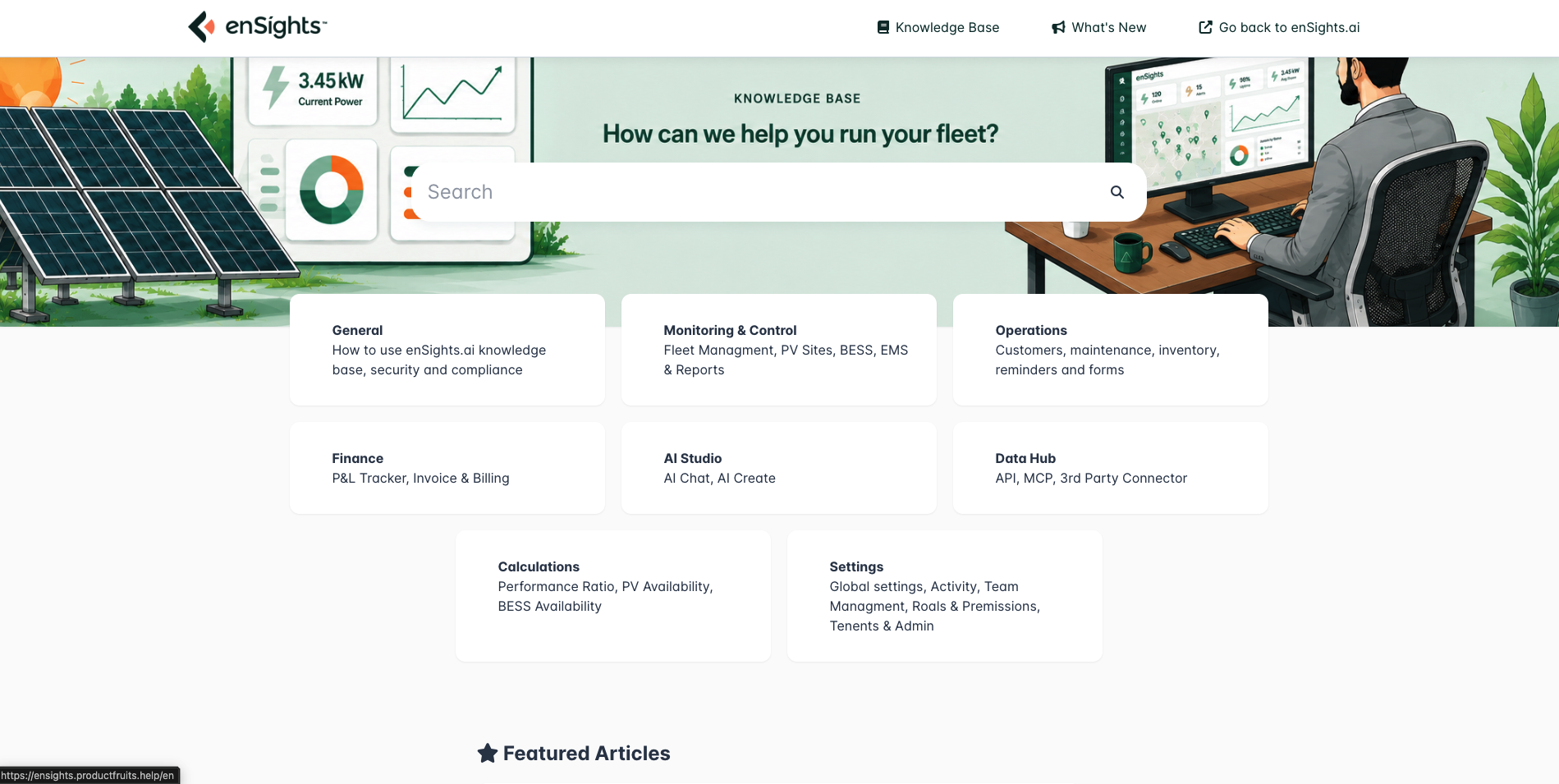
🚀 Getting Started
Orientation for new users: what the platform is, how the knowledge base is organised, and how to find your way around.
📊 Monitoring & Control
The day-to-day operational core of the platform. This category has a page-by-page guide to every screen in the section:
- Fleet Management — the fleet dashboard, alerts, the map, saved views and filters.
- PV Sites — the PV systems table and every tab of an individual site: production, inverters, meters, sensors, performance settings.
- BESS (Storage) — battery systems, state of charge, charge and discharge behaviour.
- EMS — energy management sites, live status and control.
- Insights, Reports & Agents — automated analysis, scheduled reports and front-of-meter tooling.
It also holds the deeper metric explainers — for example how Expected Weather Adjusted Power is calculated and why the inverter low-performance alert normalizes the way it does.
🔧 Operations
Everything that turns a finding into completed work:
- Customer Management — the customers and contacts attached to your sites.
- CMMS — service calls, cleanings, the maintenance calendar and service providers.
- Inventory — spare parts and equipment tracking.
- Reminders — recurring obligations that shouldn't depend on someone remembering.
- Forms — templates, the form designer and the results your field teams submit.
How articles are written
Most articles follow the same shape, so you can skim to the part you need:
- What the page is for — a short statement of the job it does.
- Reference — what each column, filter, control and status actually means.
- How to — numbered steps for the common tasks on that screen.
- Screenshots — taken from the live product, so what you read matches what you see.
Where to start
- New to enSights? Read How to use the knowledge base next, then open the Monitoring & Control overview.
- Looking after a fleet day to day? Start with Fleet Management, then the alerts article.
- Running maintenance? Start with the Operations overview, then CMMS: Service Calls.
- Trying to explain a number? The metric explainers in Monitoring & Control show the formula and a worked example.
Something missing?
The knowledge base grows with the product. If you can't find what you need, or an article doesn't match what you see on screen, use the feedback control at the bottom of any article or contact your enSights representative — that feedback is what decides what gets written next.