
AI Studio: overview
What AI Studio is for
AI Studio is where you ask questions of your fleet in plain language instead of assembling the answer yourself from screens and exports. "Which sites underperformed last week?" is a question the platform can answer directly; the work of finding it is what AI Studio removes.
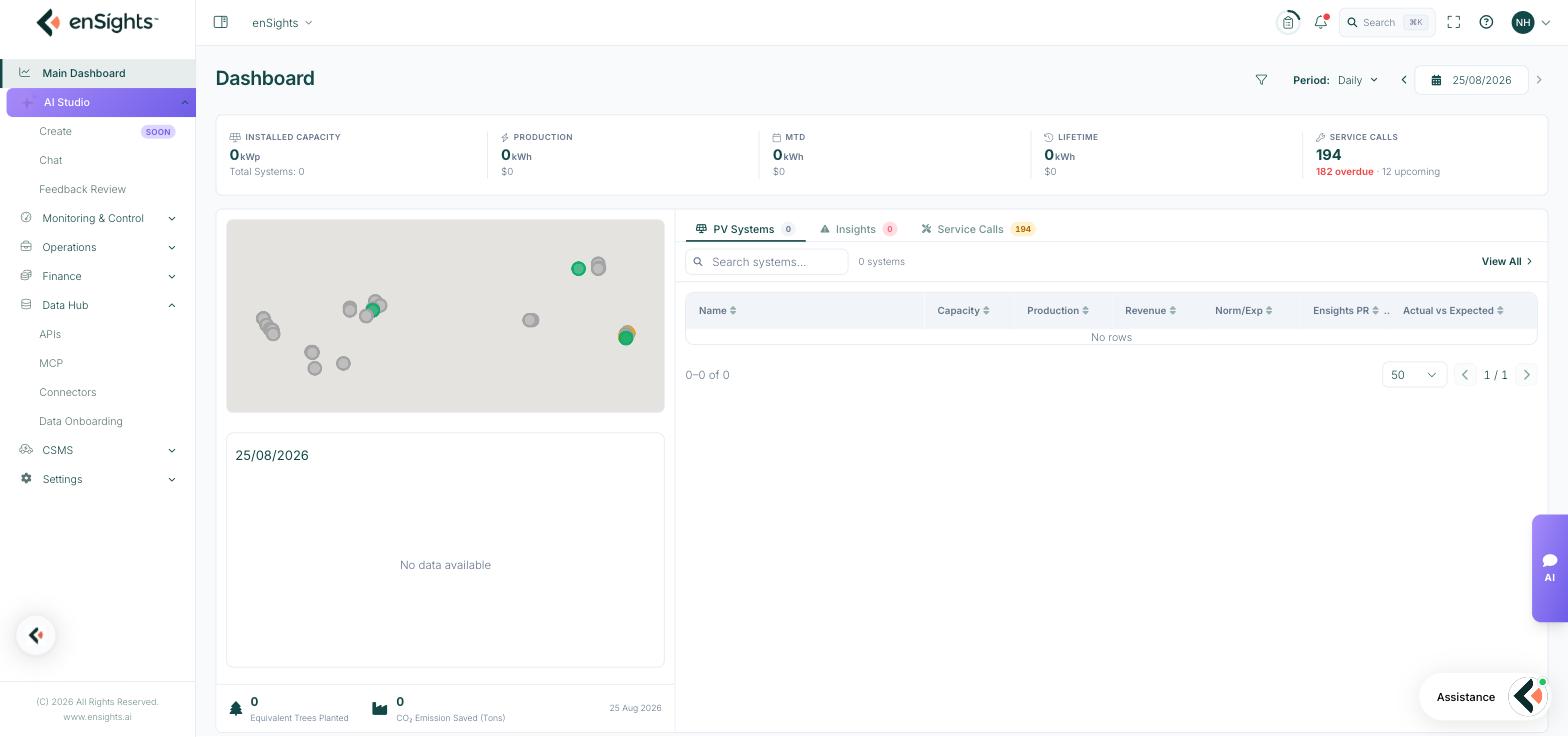
The three pages
Page | What it does |
|---|---|
Chat | The assistant itself. Ask about performance, alerts, assets or maintenance, or have it investigate a specific alert end to end. |
Feedback Review | The queue of answers users rated, so someone can look at what went wrong and track it to a conclusion. |
Create | Not yet released. A template library and generative flows for building energy business management skills. |
The loop
These three pages are one cycle rather than three separate tools:
- Someone asks a question in Chat and rates the answer with a thumbs up or down.
- That rating lands in Feedback Review with the whole conversation attached.
- Whoever owns the assistant works the queue — To Do, In Progress, Closed — and the pattern behind the bad answers gets fixed.
The rating step is the part that is easy to skip and the part that matters. An answer nobody rated is an answer nobody can improve.
It is in Beta
Chat carries a Beta label, and the footer says plainly that the assistant can make mistakes. Treat it as a fast way to find something you then confirm, not as a source of record. Anything heading into a report, an invoice or a customer conversation should be checked against the screen it came from.
Where the answers come from
The assistant reads your enSights data — the same production figures, alerts, assets and maintenance records you see in the portal. It follows your own access: a user restricted to certain assets gets answers restricted to those assets too.
It also has limits worth knowing. Its answers are only as good as the data behind them, so a site with incomplete onboarding produces vague answers about that site — as its own investigation output will sometimes tell you, in lines like "loss could not be estimated due to insufficient production data". And it does not know your commercial context unless that context is in the platform.
Related: MCP
If you would rather ask these questions from a tool you already have open — Claude, ChatGPT, Cursor — Data Hub → MCP exposes the same data over the Model Context Protocol. AI Studio is the assistant inside the portal; MCP is the same data available to assistants outside it.
Where to go next
- Want to try it? Chat, and start with a question you can verify.
- Investigating an alert? Chat, with the Investigate subject — it works through the evidence and gives you a diagnosis and next actions.
- Own the assistant for your team? Feedback Review, worked as a queue.
- Interested in Create? The page names an email address for the early-access programme.