Also Energy
To Connect Also Energy systems to Ensights, follow the next steps:
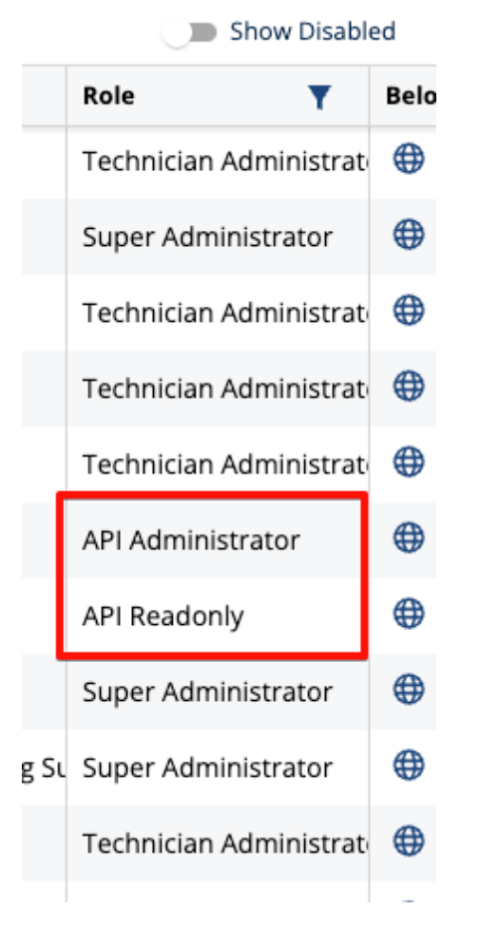
If you have an API permitted user:
Great! you are half way there. In order to complete the process we need the username and password of the API user.
If you do not have an API permitted user:
In this case you will need to turn to Also Energy Support in order to purchase an API permitted user.
If you are expecting to enjoy live alerts and monitoring. Please make sure to request an API user that can provide live data in 15 to 60 min intervals.
Also, provide the Also Energy team with an email that will be used for this new user.
Click here for an email example
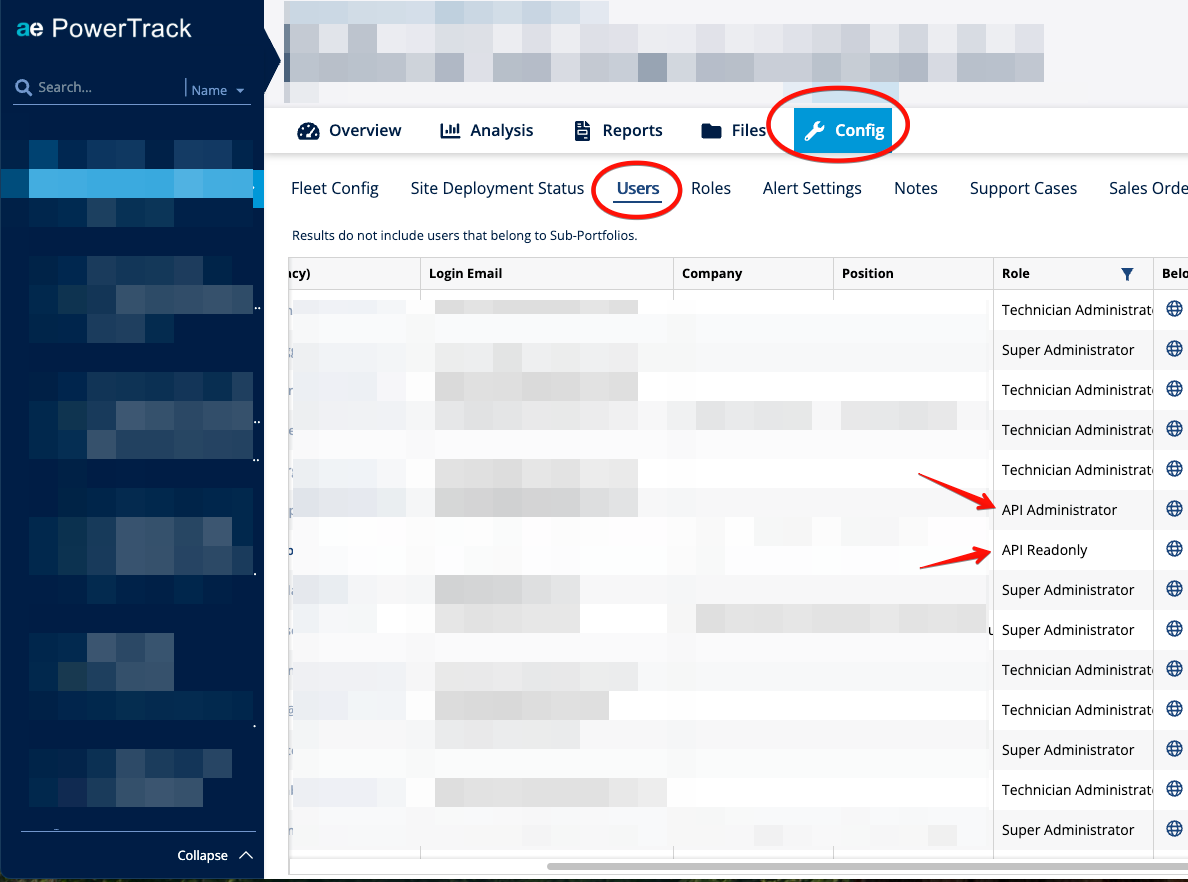
How do I check if I have an API permitted user?
- Enter your Also Energy user.
- Navigate to the "Config" page → "Users"
- See if there are any "API admin" or "API read only" roles