
PV Systems Map and Hybrid Sites
PV Systems Map
Monitoring & Control → Fleet Management → PV Sites → Map
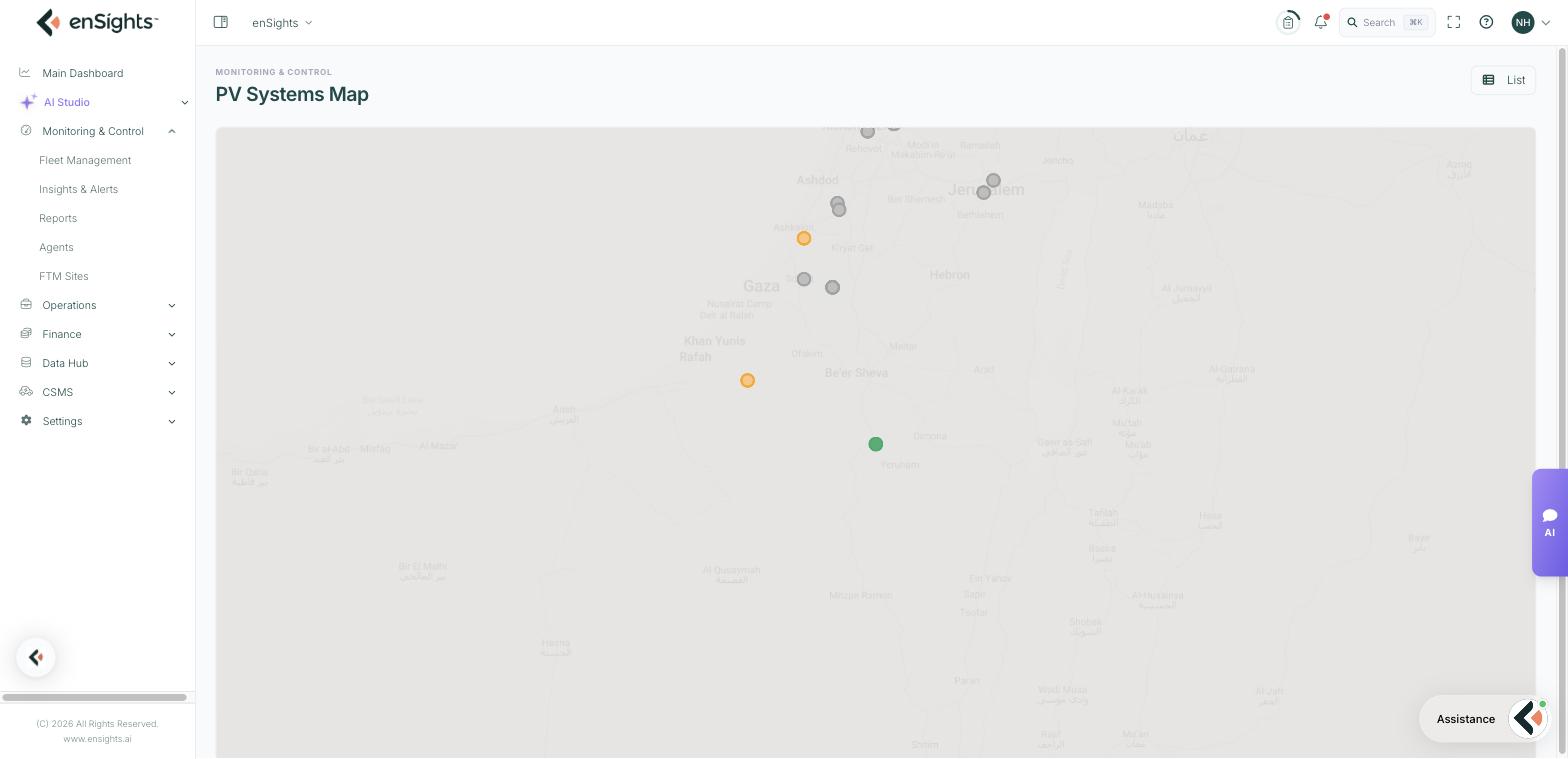
The map shows the same systems as the PV Sites list, placed at their coordinates. It answers questions the table cannot: which sites are clustered close enough for one maintenance visit, whether a run of offline sites shares a region (and therefore probably a cause), and where a new site sits relative to the rest of the portfolio.
Reading it
- Each pin is one system, coloured by live status — the same colours as the Fleet Status bar, so red pins are the ones to look at.
- Click a pin to open that system.
- List in the top right returns to the table.
A system only appears if it has coordinates. They come from the address entered in System Settings → General, or can be typed directly into the Coordinates field. A site with no pin is a site with no location, not a site with no data.
Common tasks
Plan a service round. Filter the list first (for example Live Status → Faulty), then switch to Map — the map inherits the filter, so you see only the sites you need to visit.
Explain a regional outage. If every red pin sits in one area, look for a shared cause — grid event, weather, or one vendor's portal being down — before opening service calls per site.
Common questions
A system is missing from the map.
It has no coordinates. Open System Settings → General and set the location or coordinates.
The map is blank or grey.
Map tiles are loaded from an external service. If your network blocks it, pins may draw without the background map; the pins remain clickable.
Hybrid Sites
Monitoring & Control → Fleet Management → Hybrid Sites
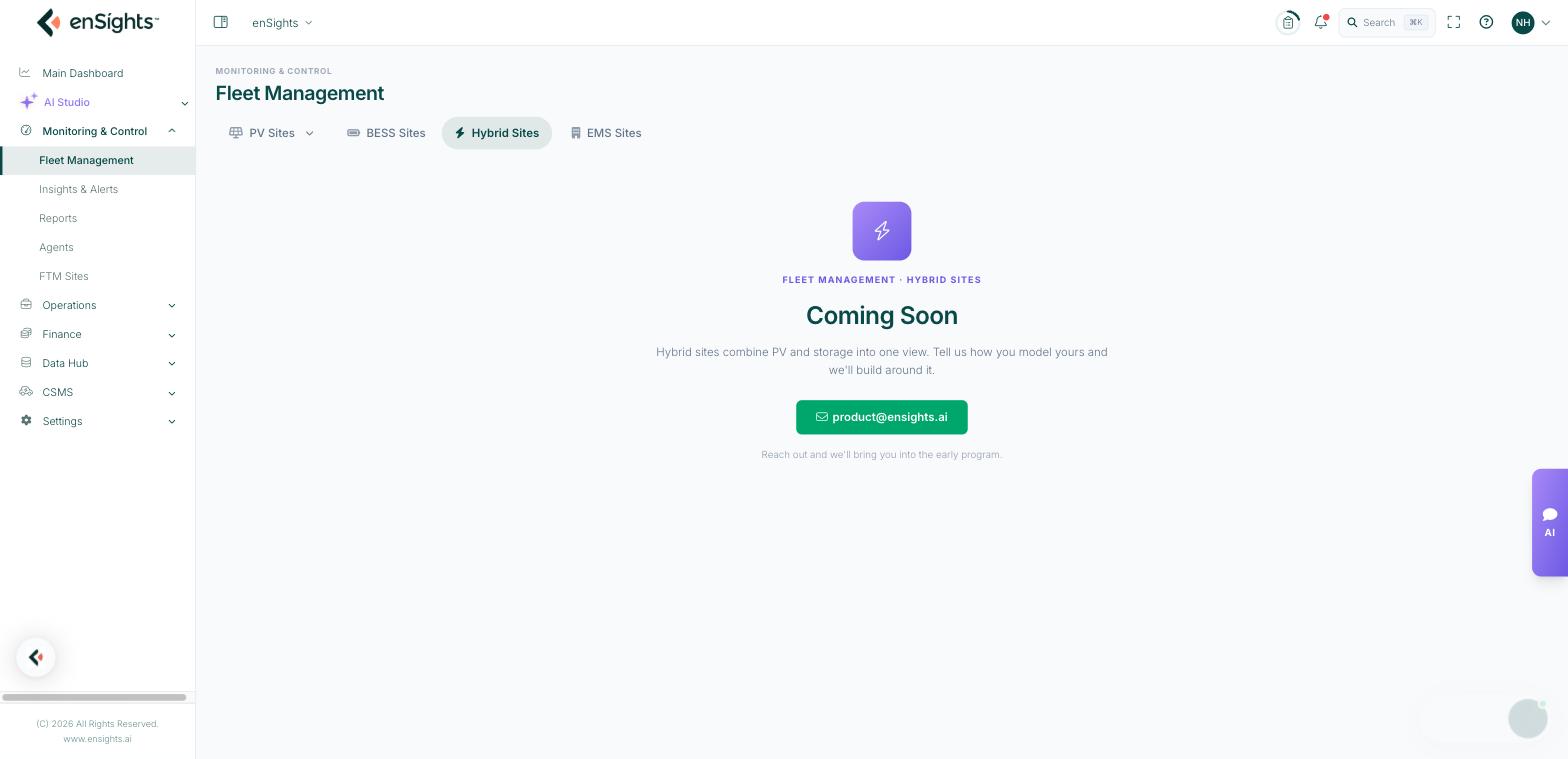
The Hybrid Sites tab is a placeholder for now. It reads:
Hybrid sites combine PV and storage into one view. Tell us how you model yours and we'll build around it.
Until it ships, a site with both generation and storage is modelled as a PV system and a battery, monitored on their own tabs and — where the site is under control — joined together as an EMS site. If you want to influence the design, the tab carries a contact link to the product team's early programme.