
CMMS: Cleanings
Operations → CMMS → Cleanings
Why cleanings have their own tab
Cleaning is the one maintenance activity that is scheduled by economics rather than by failure: panels soil gradually, production drifts down, and at some point a wash pays for itself. Because it is recurring, contracted and measurable, it gets its own log rather than sitting among the malfunctions.
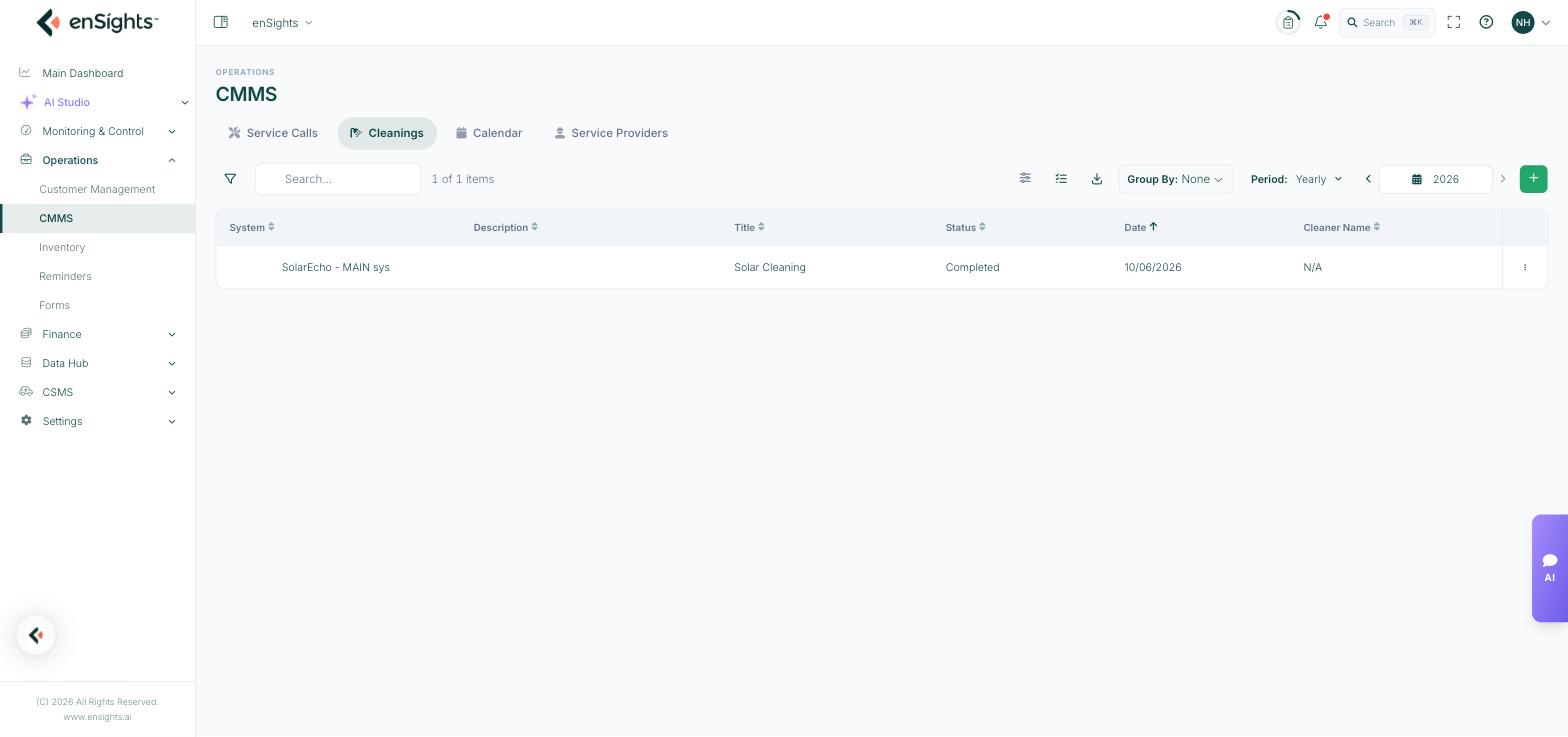
The cleaning log for the year.
The list
- System — the site that was washed.
- Description and Title — what was done.
- Status — where the job stands.
- Date — when it happened, which is what the soiling analysis uses.
- Cleaner Name — who did it. N/A means it was logged without a service provider attached.
The period defaults to Yearly, because a cleaning history only makes sense across seasons. Filter, search, Group By, the column picker and export work as on every list.
Logging a cleaning
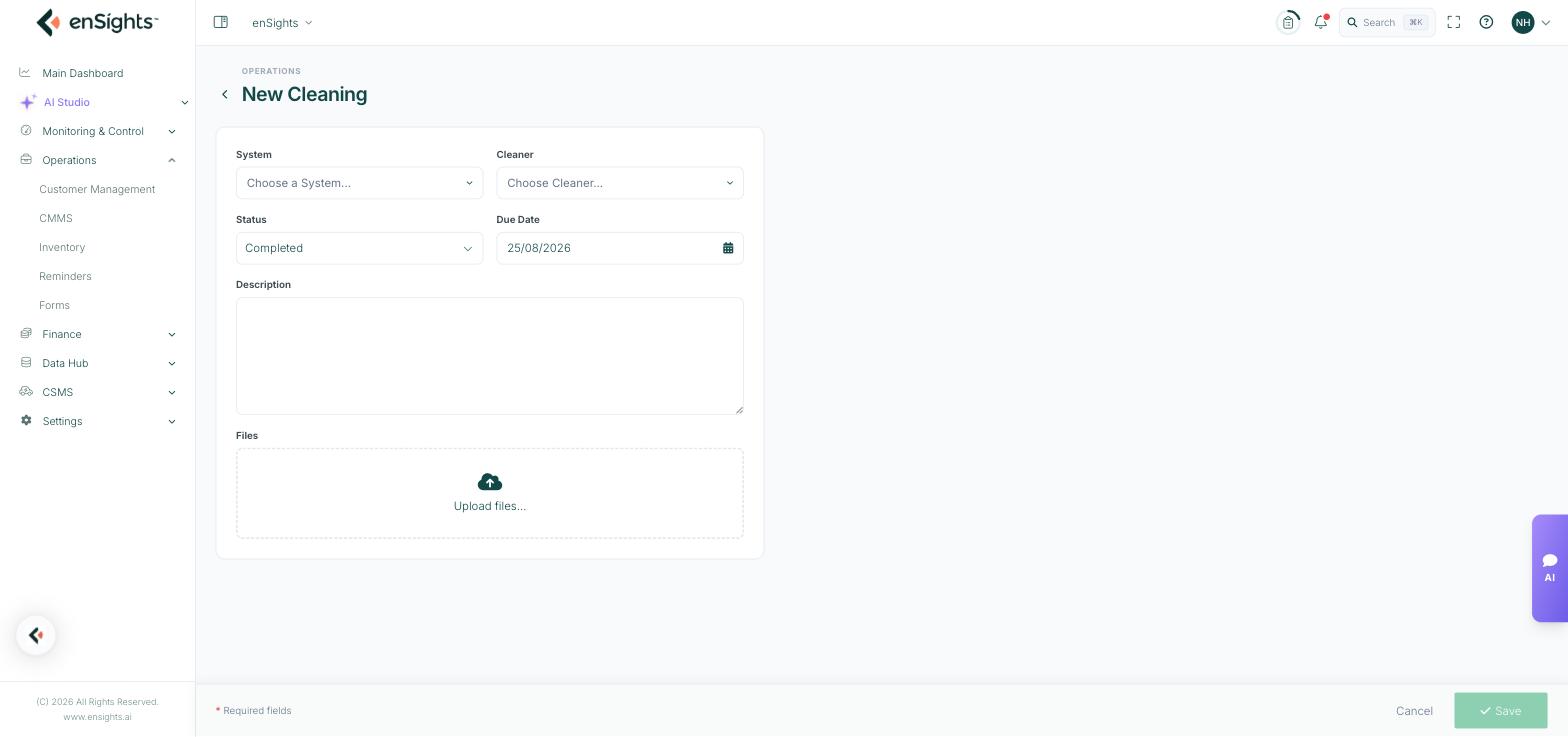
The New Cleaning form.
The form is deliberately short: System, Cleaner, Status, Due Date, Description and Files. Photographs before and after are the usual attachment, and they are what settles a dispute about whether a wash was done properly.
How this connects to the rest of the portal
- Annual Washes on the customer record and in a system's Integrations settings states how many cleanings are contracted. The log is what you measure against it.
- The Cleaning report (Monitoring & Control → Reports) estimates soiling losses and recommends a schedule; this tab records what was actually carried out.
- Sites with an Automated Cleaning System are flagged on the fleet list and raise their own alerts (wash error, power error, water amount) rather than appearing here.
- A cleaning can also be raised as a service call of type Cleaning when it needs a technician, a form and parts.
Common tasks
Check contract compliance. Set the period to the contract year, group by system, and compare the count against Annual Washes.
Plan the next round. Run the Cleaning report for soiling losses, then log the resulting jobs here (or raise them as service calls if a technician is needed).
Prove a wash to a customer. Open the record and download the attached photographs.
Judge whether cleaning paid. Note the cleaning date, then compare PR or Actual vs. Expected on the site's Analysis tab either side of it.
Common questions
Cleaner Name is N/A.
No service provider was selected. Add cleaners under CMMS → Service Providers with the role Cleaner, then choose them here.
Should a cleaning be a cleaning or a service call?
Log routine contracted washes here. Use a service call when the visit needs an assignee, a checklist form or parts.
The list looks empty.
The period is Yearly — check you are on the right year.