
PV site: Insights, Maintenance, Documents and Reminders
Fleet Management → PV Sites → a system → Insights / Maintenance / Documents / Reminders
These four tabs turn a site from a set of readings into a managed asset. Each is the site-scoped version of a fleet-wide page, so anything you learn here applies on the fleet pages too.
Insights
Every open alert and detected anomaly for this site, with the same columns as the fleet-wide Insights & Alerts page: Opened At, Resource, Description, Count, Status and Priority.
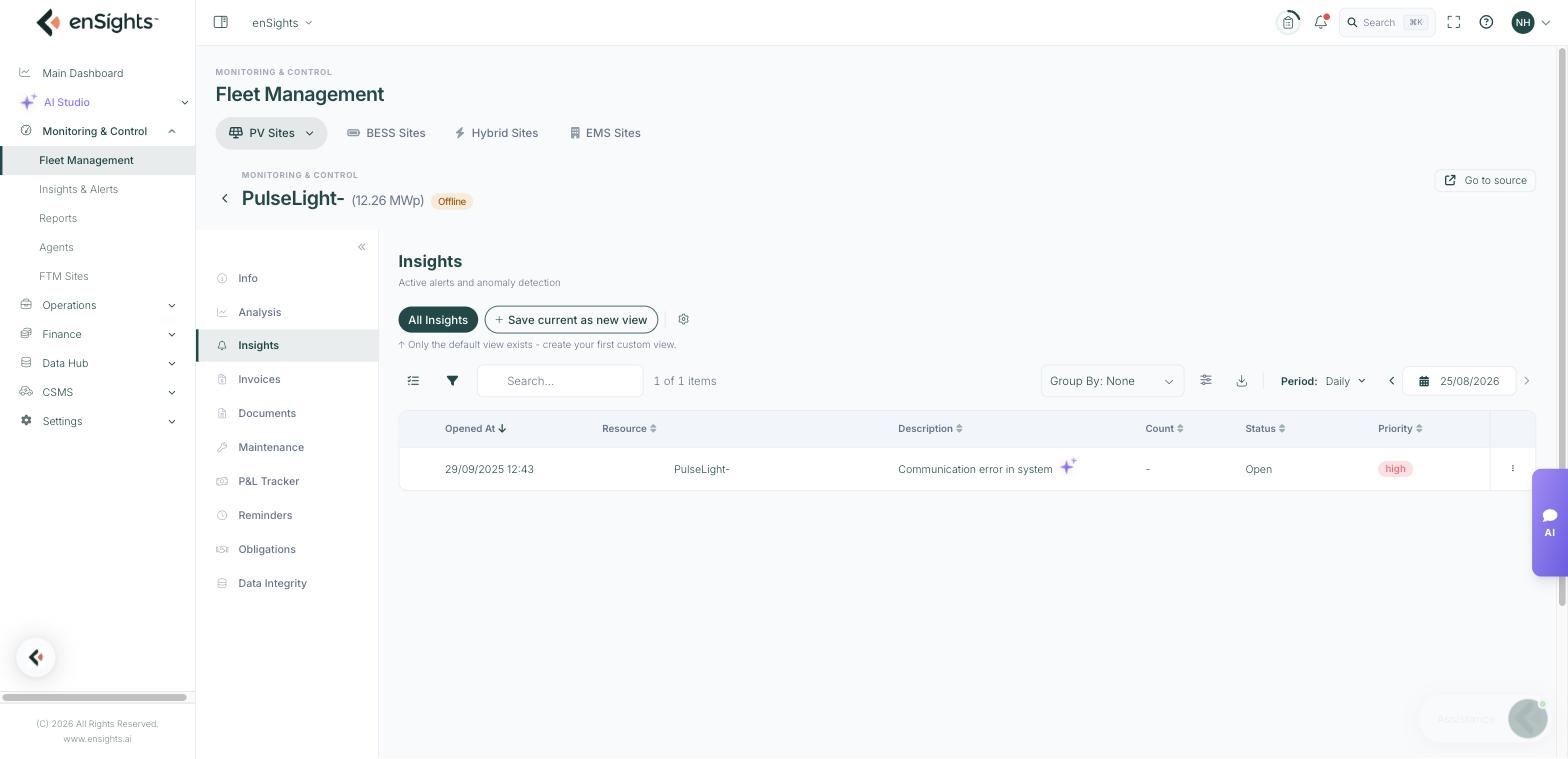
- Resource tells you the level the insight was raised at — the system, an inverter, a string, a tracker or the storage.
- Count is how many times the same condition has recurred. A count of 40 on "communication error" is a chronically flaky link, not forty separate faults.
- Group By and the view chips work here as they do everywhere; grouping by Type is the quickest way to see the site's dominant failure mode.
The row menu offers New Service Call, Add Comment…, Dismiss 24h, Dismiss 3 days and Close. Dismiss silences a known condition for a while; Close states it is resolved. Prefer dismissing over closing when the underlying cause is still there — closing hides the history you will want later.
Maintenance
The service calls and maintenance tasks attached to this site: Asset, Type, Title, Opened At and Due Date, with views, grouping and a monthly period by default.
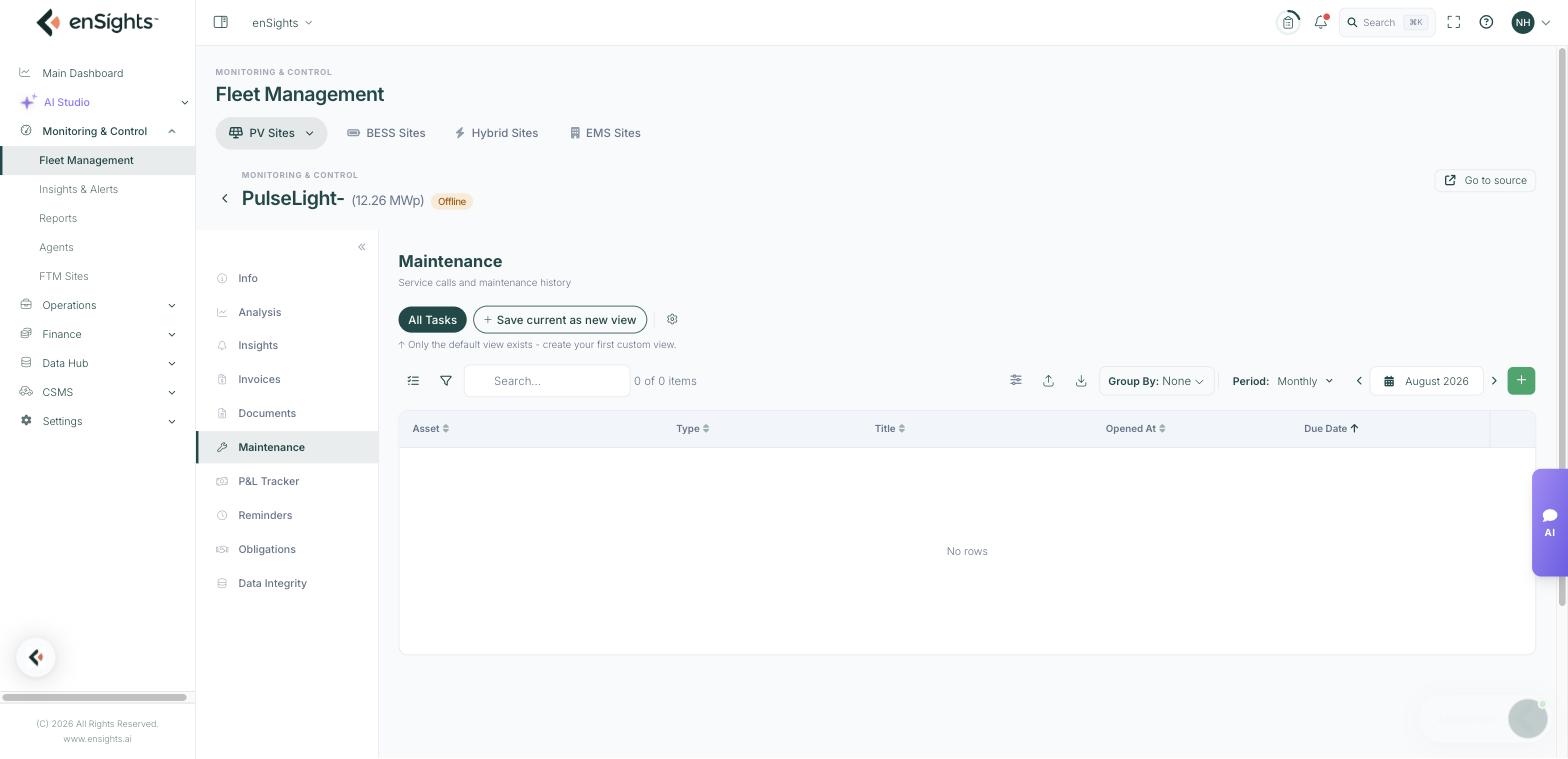
Most tasks arrive here from an insight — the New Service Call action carries the alert's context into the task, so the technician sees why it was raised. Tasks can also be created directly for planned work such as cleaning or an annual inspection.
Because the fleet list can filter on Service Call Status, keeping this tab honest pays off: it is what lets you ask "which sites have open work" across the whole portfolio.
Documents
File storage for the site. Upload adds a file; the table shows Name, Uploaded By, Size and Uploaded At.
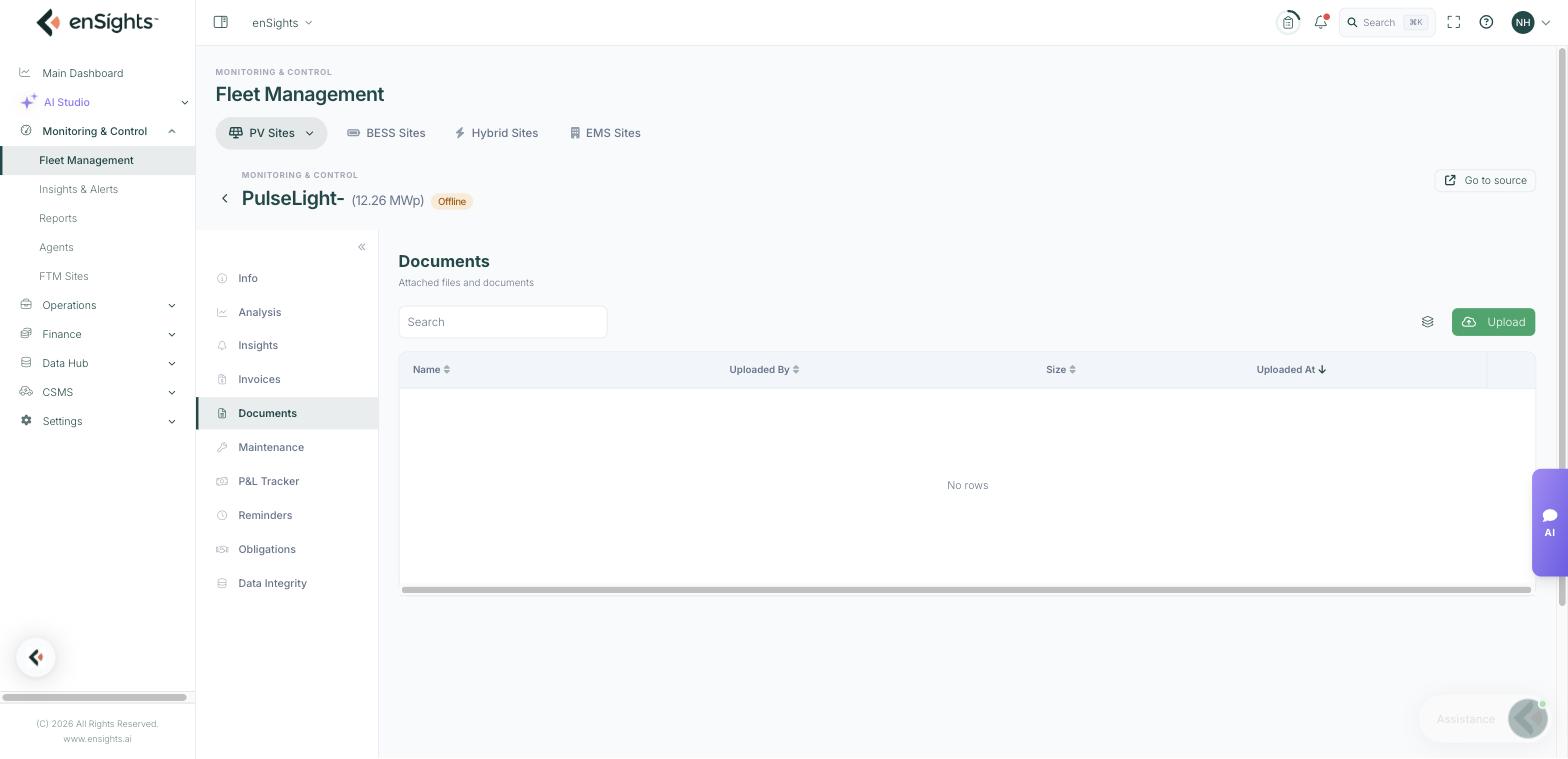
This is the right home for the paperwork that always goes missing: commissioning reports, single-line diagrams, warranty certificates, grid connection approvals, site access instructions and photos from the last visit. Anything a technician or an auditor may need should live here rather than in a mailbox.
Reminders
Scheduled follow-ups for the site: Type, Due Date, Description, Schedule and Comments.
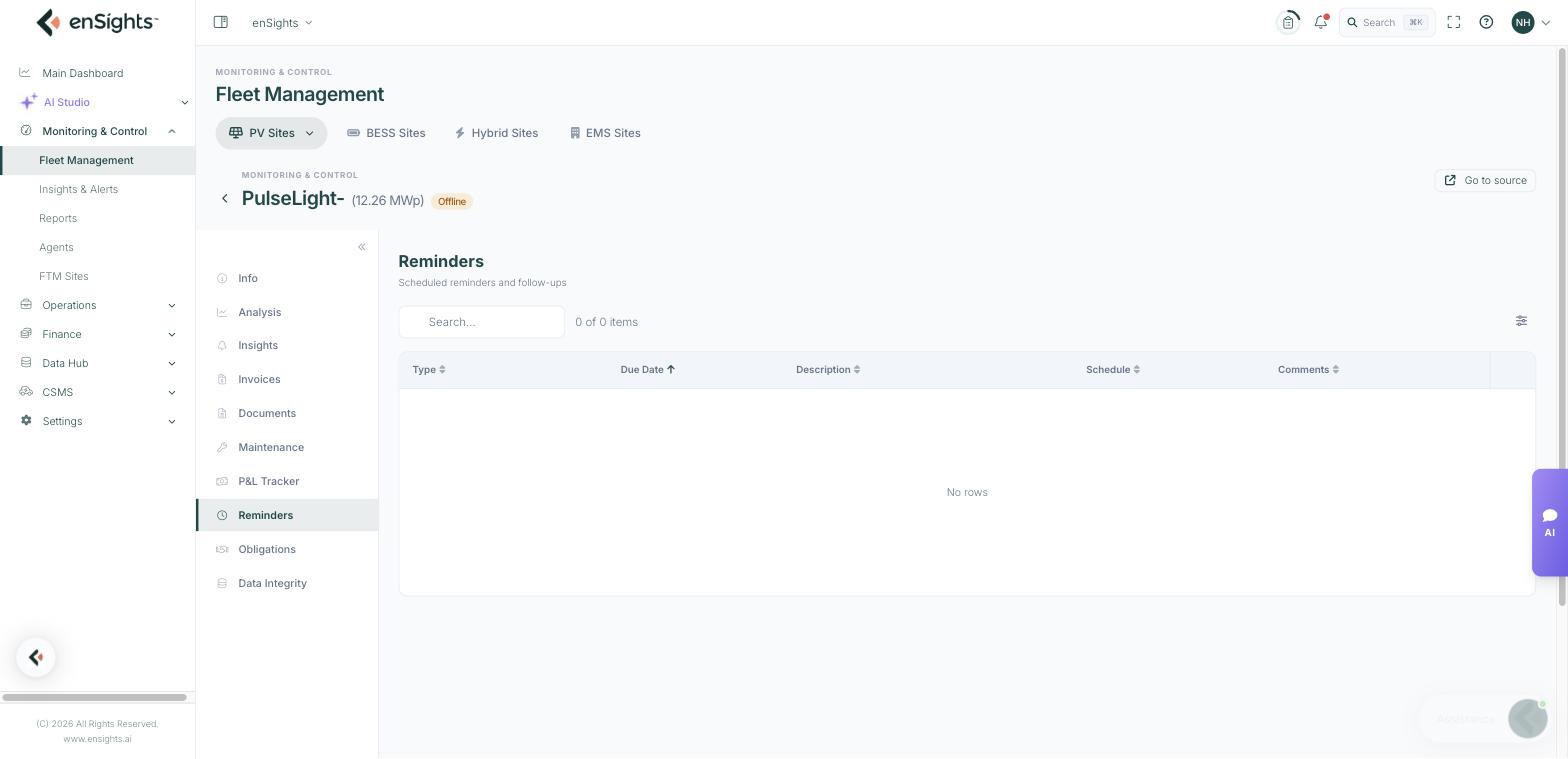
Reminders are for things time will bring rather than things the data will tell you — warranty expiry, an insurance renewal, a scheduled cleaning, a meter recertification. A reminder can be one-off or recurring via its schedule.
Common tasks
Turn an alert into work. Insights → the row's ⋮ → New Service Call. Set a due date so it appears in the Maintenance list and in fleet-level filters.
Silence a known nuisance without losing it. Insights → Dismiss 3 days, and add a comment explaining why. It returns if the condition persists.
Prepare a site visit. Open Documents for the diagrams and access notes, and Maintenance for the open tasks, before the technician leaves.
Never miss a warranty. Add a reminder dated a month before the warranty expiry recorded on the Info tab.
Common questions
An insight keeps coming back after I close it.
Closing records a resolution; it does not fix the cause. If the condition is still true the detector reopens it. Dismiss, or fix the underlying issue.
Who can see uploaded documents?
Everyone with access to the site in your tenant. Do not use it for material that should stay with one person.
What is the difference between a reminder and a service call?
A service call is work to be done on the equipment and appears in Maintenance; a reminder is a prompt to a person on a date.